
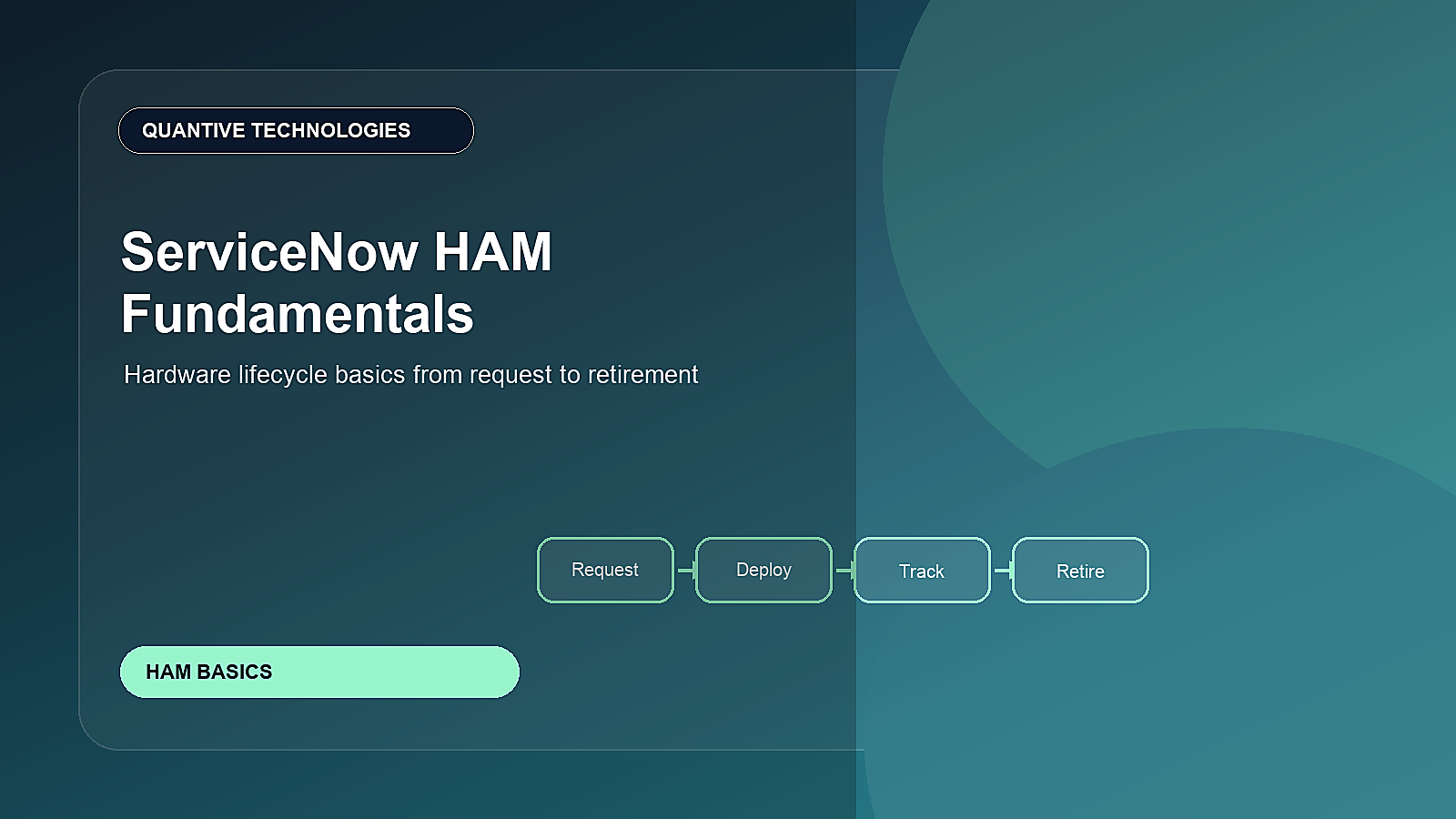
ServiceNow Hardware Asset Management, often called HAM, helps organizations control the full hardware lifecycle instead of treating devices as scattered inventory records.
For someone new to HAM, the simplest way to understand it is this: every laptop, desktop, monitor, mobile device, server, network device, and data center asset has a lifecycle. It is requested, purchased, received, stored, deployed, supported, repaired, refreshed, and eventually retired. HAM gives teams one structured way to manage that journey.
Article at a glance
Why this matters: ServiceNow HAM works best when asset records are connected to the real lifecycle of devices and infrastructure. The article should help newer readers understand both the basics and the operating habits that keep asset data trustworthy.
How to apply this guidance
| Step | What to clarify |
|---|---|
| 1. Map the lifecycle | Define the request, approval, stock, deploy, repair, refresh, audit, and retire stages that need reliable data. |
| 2. Connect operations | Tie assets to users, locations, stockrooms, vendors, contracts, incidents, requests, and CMDB context. |
| 3. Control exceptions | Use audits, ownership checks, disposal evidence, and exception workflows to reduce loss and compliance risk. |
Use the rest of the article as a planning checklist: confirm the target outcome, test the workflow and data assumptions, then connect governance, ownership, measurement, and adoption before expanding the use case.
What HAM means in plain language
HAM is the discipline of knowing what hardware you own, where it is, who uses it, what condition it is in, what it costs, and what should happen next. In ServiceNow, HAM connects asset records, stockrooms, procurement activity, user requests, fulfillment tasks, contracts, warranty data, and disposal workflows.
Why this matters now
Hybrid work, refresh cycles, security expectations, and cost pressure have made hardware visibility more important. Leaders want to reduce lost assets, speed up device delivery, avoid overbuying, improve audit readiness, and understand hardware risk before it affects service delivery.
Core concepts to understand
| Concept | What it means | Why it matters |
|---|---|---|
| Asset record | A financial and operational record for a physical item | Creates ownership, cost, lifecycle, and location visibility |
| Stockroom | A controlled place where hardware is stored before deployment | Improves fulfillment speed and inventory accuracy |
| Lifecycle status | The current state of an asset, such as in stock, in use, in repair, retired, or disposed | Helps teams decide the next action |
| Model normalization | Standardizing hardware model names and details | Improves reporting and reduces duplicate asset confusion |
| Retirement workflow | The process for removing hardware from service safely | Reduces security, compliance, and disposal risk |
What a healthy HAM lifecycle looks like
A strong HAM workflow starts before the asset is handed to an employee. It includes planning, procurement, receiving, tagging, storage, request fulfillment, support, repair, refresh, and disposal. Each step should update the asset record so the organization has accurate visibility.
- Create or receive asset records when hardware is purchased or received.
- Assign assets to stockrooms, locations, users, departments, or support groups.
- Use request workflows to deploy devices with approvals and fulfillment tasks.
- Track repair, warranty, lost/stolen status, refresh eligibility, and disposal evidence.
- Use dashboards to understand inventory, aging devices, lifecycle risk, and cost.
Beginner checklist
If you are new to ServiceNow HAM, use this checklist to understand whether your foundation is ready.
- Do you have one trusted record for each hardware asset?
- Are serial numbers, models, locations, owners, and lifecycle states accurate?
- Can service teams see whether a device is in stock, assigned, under repair, or retired?
- Can managers see upcoming refresh or end-of-life exposure?
- Do disposal and data-wipe steps leave audit evidence?
Common mistakes to avoid
- Starting with asset loading before defining lifecycle states and ownership.
- Treating HAM as only inventory instead of a full lifecycle process.
- Letting procurement, service desk, desktop support, and finance maintain separate spreadsheets.
- Ignoring stockroom discipline and then wondering why inventory reports are unreliable.
- Retiring assets without enough security, disposal, or financial evidence.
Metrics leaders should track
- Inventory accuracy and duplicate asset rate.
- Average device request fulfillment time.
- Assets in stock, in use, in repair, lost, retired, and disposed.
- Devices approaching refresh, warranty end, or end of support.
- Hardware spend avoided through reuse and reclamation.
How it connects to the broader ServiceNow roadmap
HAM connects naturally to ServiceNow IT Asset Management, ServiceNow IT Service Management, ServiceNow IT Operations Management, ServiceNow Data Integration, and Performance Analytics. It gives support teams better context, gives operations teams cleaner service visibility, and gives leaders a clearer view of asset cost and Risk Management.
Practical next step
Start with one asset class, such as laptops, and define the complete lifecycle from request to retirement. Clean the data, standardize models, build fulfillment workflows, and only then expand to other hardware classes.
Who should be involved in HAM?
HAM is a cross-functional process. Desktop support may deploy devices, procurement may buy them, finance may track cost, security may care about data-wipe evidence, and HR may trigger onboarding and offboarding workflows. If these teams work separately, asset data becomes unreliable. ServiceNow helps by giving each team a role in the same lifecycle instead of separate spreadsheets.
A simple 90-day starter plan
- Days 1-30: Choose one hardware class, clean model names, verify owners, locations, serial numbers, and lifecycle states.
- Days 31-60: Connect request fulfillment, stockroom movement, repair, and offboarding workflows to the asset record.
- Days 61-90: Add dashboards for stock, refresh, missing data, lost assets, and retirement evidence.
Example scenario
A new employee needs a laptop before their first day. In a weak HAM process, the request sits in email, someone checks a spreadsheet, and the asset record is updated later, if at all. In a strong ServiceNow HAM process, the request reserves stock, creates fulfillment tasks, records the assigned asset, and gives both the employee and IT visibility into status.
HAM maturity signs
A mature HAM program can answer lifecycle questions quickly. It knows which devices are in stock, in use, in repair, lost, nearing refresh, or ready for disposal. It also knows which process updates the asset record at each lifecycle stage. That operational discipline is what makes HAM valuable beyond basic inventory.
Quantive Technologies perspective
Quantive Technologies helps organizations design HAM operating models, clean asset ServiceNow Data Integration, connect HAM with service workflows, and build dashboards that show lifecycle health, refresh planning, and cost opportunity across ServiceNow IT Asset Management.
Need help turning this into a ServiceNow roadmap?
For more information or a focused implementation discussion, please reach out to info@quantivetech.com or book your discovery call.