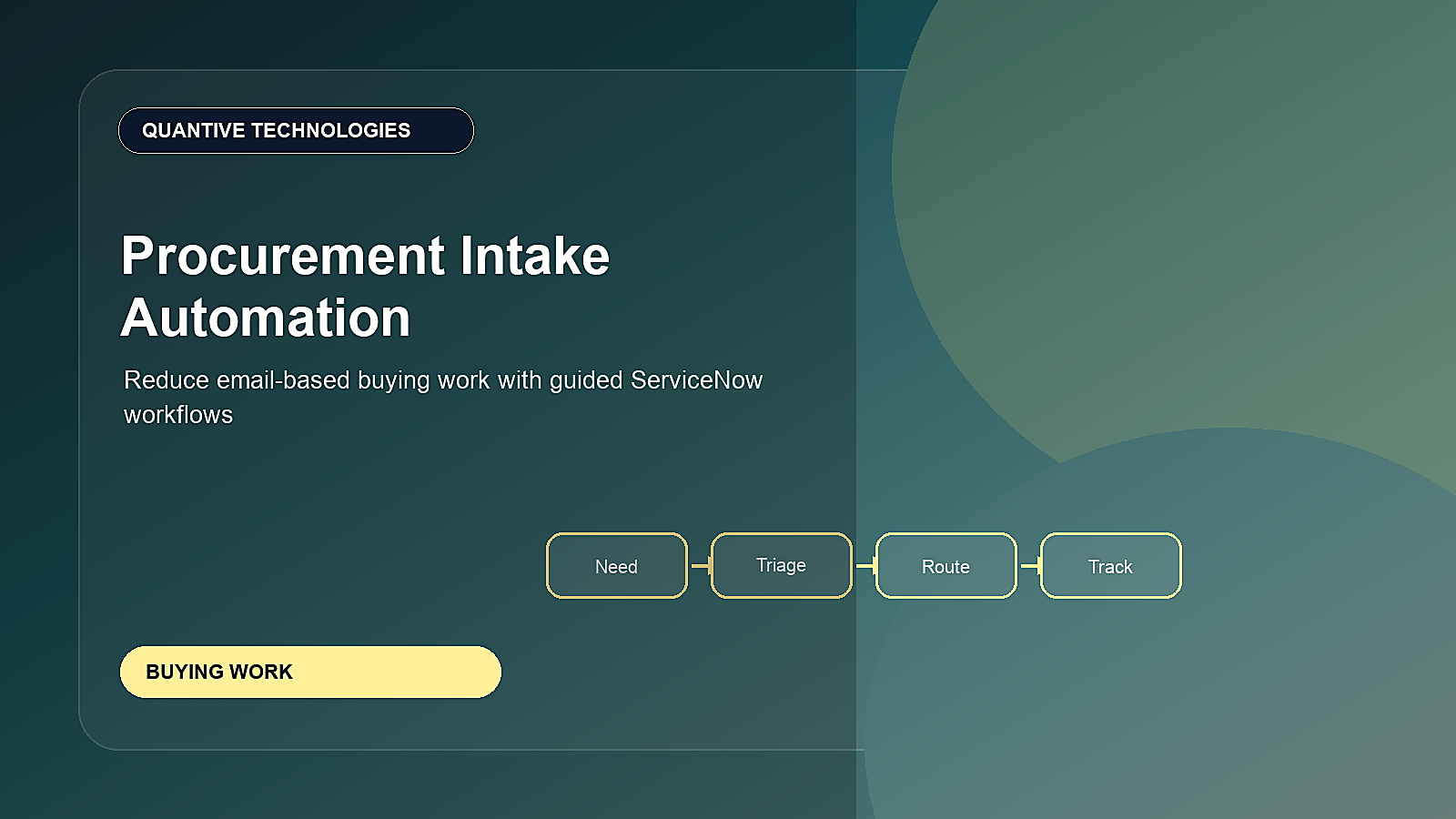
Procurement Intake Automation with ServiceNow: Reduce Email-Based Buying Work is more than a product update. It is a signal that enterprise workflows are becoming more connected, more intelligent, and more measurable. This article focuses on how guided intake improves procurement quality before sourcing or purchasing begins.
Email-based procurement creates missing information, unclear ownership, repeated follow-ups, and limited visibility for requesters. ServiceNow procurement workflows and AI-assisted intake can help organizations make buying easier without weakening policy controls.
Article at a glance
Why this matters: ServiceNow describes Sourcing and Procurement Operations as a single engagement layer across systems for indirect procurement. The content should help readers connect intake, policy, supplier data, approvals, ERP integration, and measurable outcomes. In this article, the practical focus is procurement intake automation that reduces email follow-up and manual status chasing.
How to apply this guidance
| Step | What to clarify |
|---|---|
| 1. Unify intake | Replace fragmented email and spreadsheet work with guided request paths that capture purpose, spend, category, and urgency. |
| 2. Connect policy and supplier data | Use approved suppliers, catalogs, cost centers, contracts, and ERP records so routing and approvals stay reliable. |
| 3. Improve continuously | Measure request cycle time, compliance, savings, supplier responsiveness, requester effort, and exception patterns. |
Use the rest of the article as a planning checklist: first confirm the business outcome, then test the workflow, data, ownership, integration, governance, and measurement assumptions before expanding the use case.
Who should read this
This guide is written for procurement operations, finance, category managers, shared services, and business requesters. The goal is to help teams move from awareness to practical planning without treating AI or workflow automation as a one-off experiment.
What readers need to know
- Make intake category-specific instead of one generic form.
- Use policy logic to guide requesters before submission.
- Route requests by category, value, supplier, and urgency.
- Give requesters visibility without requiring buyer follow-up.
Implementation roadmap
A strong implementation should start with operating-model clarity before configuration. Teams need to know who owns the process, which records are trusted, where approvals happen, and how value will be measured after rollout.
- Identify the top request categories that overload procurement inboxes.
- Design guided intake forms with required fields and help text.
- Build routing and approval paths by policy tier.
- Create dashboards for backlog, aging, and missing information.
High-value use cases to prioritize
The best first wave should be visible enough to matter, but bounded enough to deliver without waiting for a multi-year transformation program. Look for workflows with high volume, repeated manual follow-up, clear ownership, and measurable business impact.
Good candidates usually have three signals: requesters regularly ask for status, teams re-enter the same information in multiple systems, and managers cannot easily see where work is blocked. Those signals indicate that workflow orchestration, AI assistance, and analytics can create value quickly.
90-day action plan
In the first 30 days, confirm the business owner, current-state process, data sources, approval points, and the baseline metrics. In the next 30 days, design the future-state workflow, integration needs, reporting model, and change-management approach. In the final 30 days, build a controlled pilot, validate user experience, and compare early results against the baseline.
This phased approach keeps the work practical. It also gives executives a clearer view of whether the initiative is improving speed, quality, control, and user experience before the rollout expands.
Planning table
| Focus area | Decision to make | Metric to watch |
|---|---|---|
| Priority 1 | Make intake category-specific instead of one generic form. | Email-to-request conversion |
| Priority 2 | Use policy logic to guide requesters before submission. | Missing information rate |
| Priority 3 | Route requests by category, value, supplier, and urgency. | Requester self-service status views |
| Priority 4 | Give requesters visibility without requiring buyer follow-up. | Procurement backlog aging |
Metrics that prove value
Leadership teams should avoid measuring only activity. The stronger question is whether the workflow is faster, safer, easier to use, and more transparent than the old process.
- Email-to-request conversion
- Missing information rate
- Requester self-service status views
- Procurement backlog aging
- Buyer touch time
Common rollout risks
The most common risk is launching technology before the workflow is ready. Other risks include unclear ownership, weak data quality, missing integration points, insufficient change management, and dashboards that do not connect to business outcomes.
Quantive Technologies perspective
Quantive Technologies recommends treating this as a business workflow initiative first and a platform configuration effort second. The best results come when process design, data integration, AI governance, analytics, and user adoption are planned together.
For implementation planning, this connects naturally with ServiceNow Data Integration, Performance Analytics, and ServiceNow Risk Management.
Need help turning this into a ServiceNow roadmap?
For more information or a focused implementation discussion, please reach out to info@quantivetech.com or book your discovery call.