Article at a glance
Why this matters: Strong ServiceNow outcomes depend on clear fundamentals: process design, trusted data, usable experiences, governance, integration, and measurable value. This article should help readers build confidence before they scale.
How to apply this guidance
| Step | What to clarify |
|---|---|
| 1. Understand the basics | Clarify the purpose, roles, core records, workflow stages, and expected business outcomes. |
| 2. Connect the platform | Relate the topic to data quality, service ownership, reporting, automation, and operating governance. |
| 3. Plan the next move | Use the guidance to define a practical roadmap, maturity step, or improvement backlog. |
Use the rest of the article as a planning checklist: confirm the target outcome, test the workflow and data assumptions, then connect governance, ownership, measurement, and adoption before expanding the use case.
ServiceNow workflow automation is about more than replacing manual steps. It is about designing work so requests move through the right path with the right data, owners, approvals, and visibility. When done well, automation improves speed, consistency, accountability, and user experience.
Many organizations start with IT workflows, but the same pattern applies across HR, customer service, risk, procurement, facilities, finance operations, and custom business services. A user asks for something, the platform collects the right information, routes the work, triggers approvals, creates tasks, integrates with systems, and measures the result.
Why workflow automation is a fundamentals topic
The market is moving from isolated automation to platform-based workflow orchestration. That means leaders want fewer one-off scripts and more reusable workflows with governance, security, auditability, and analytics. ServiceNow is built for that pattern because workflow, service experience, data, and reporting live in the same operating environment.
AI makes this even more important. AI can summarize, classify, draft, recommend, and in some cases help execute steps, but it still needs a well-designed workflow to operate safely.
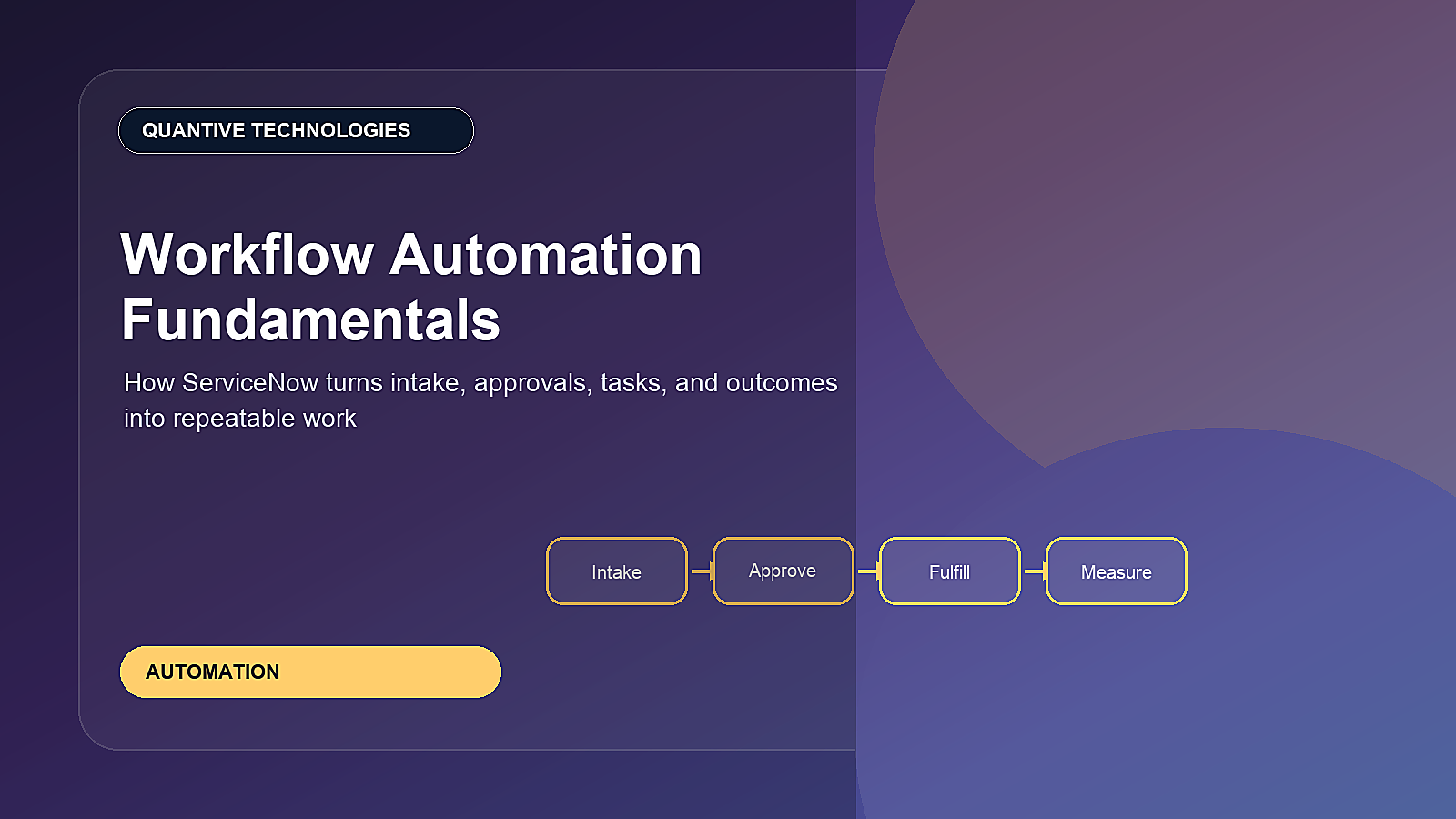
The automation path: intake to outcome
| Stage | What happens | Good design question |
|---|---|---|
| Intake | User submits a request, case, incident, or form | Are we asking only the questions needed to route work? |
| Qualification | The request is categorized, validated, and enriched | Can rules or AI help classify the request? |
| Approval | Policy-driven approvals happen before fulfillment | Which approvals are required and which are unnecessary? |
| Fulfillment | Tasks are created for the right teams or systems | Can any step be automated through integration? |
| Measurement | Teams track cycle time, SLA health, backlog, and outcomes | How will we prove the workflow improved? |
Where ServiceNow automation shows up
- Service catalog: Guided request forms and fulfillment workflows.
- Flow Designer: Low-code flows for approvals, tasks, notifications, and integrations.
- Workspaces: Agent experiences for managing assigned work.
- IntegrationHub: Connections to external systems and reusable actions.
- Virtual Agent and AI: Conversational intake, summaries, recommendations, and guided resolution.
- Performance Analytics: Dashboards to track whether automation is improving outcomes.
How to choose the right workflows to automate
Start with workflows that are high volume, repetitive, measurable, and frustrating for users or service teams. Good examples include access requests, onboarding tasks, software requests, incident routing, customer case triage, knowledge suggestions, change approvals, supplier onboarding, and internal service requests.
Avoid automating a broken process too quickly. If the current workflow has unclear ownership, unnecessary approvals, poor data, or inconsistent exceptions, fix the process design first. Automation should simplify work, not accelerate confusion.
Strong automation design principles
- Use plain-language forms that match how users describe the request.
- Collect only the data needed for routing, approval, and fulfillment.
- Make ownership visible at every step.
- Automate common paths and design clear exception handling.
- Integrate with systems of record instead of asking teams to re-enter data.
- Keep human approval where risk, cost, access, or customer impact requires it.
- Measure outcomes after launch and improve continuously.
Workflow automation and enterprise service management
Once organizations understand IT workflow automation, they often extend the same model to business teams. HR can automate onboarding cases. Facilities can automate workplace requests. Risk teams can automate control evidence collection. Customer service can automate case triage. Procurement can automate intake and approvals.
The advantage of ServiceNow is that these workflows can share a platform approach: request experience, roles, approvals, tasks, integrations, data, and analytics.
Metrics that show automation value
- Cycle time before and after automation
- Manual touchpoints removed
- Approval turnaround time
- Backlog reduction
- Reassignment rate
- First-time-right fulfillment
- User satisfaction
- Cost or hours saved
Examples of workflows that readers can recognize immediately
Workflow automation is easiest to understand through practical examples. An access request can collect manager approval, validate the application owner, create a fulfillment task, update the requester, and log completion. A customer escalation can capture the issue, assign a customer service owner, notify the account team, route technical work, and track SLA health. A supplier onboarding workflow can collect documents, run risk checks, trigger approvals, and notify procurement when the supplier is ready.
These examples are different departments, but the ServiceNow pattern is the same: intake, context, ownership, approval, execution, communication, and measurement.
Low-code does not mean no governance
ServiceNow gives teams powerful low-code tools, but every organization still needs standards. Without governance, flows can become hard to maintain, duplicate rules can conflict, and integrations can become fragile. Good governance defines naming conventions, reusable actions, testing expectations, ownership, release controls, and documentation standards.
The goal is not to block innovation. The goal is to make automation reusable and supportable. A workflow that saves time today but becomes impossible to maintain next year is not a good automation investment.
How to prioritize automation ideas
- Prioritize high-volume requests with repeatable rules.
- Prioritize work that crosses multiple teams and often loses ownership.
- Prioritize workflows where cycle time or errors are already measured.
- Avoid first-wave automation where exceptions are more common than the standard path.
- Document the expected business value before building.
This approach keeps the automation roadmap practical. It also makes it easier to prove value to business leaders and expand into the next workflow.
Quantive Technologies perspective
Workflow automation succeeds when it connects process design, platform configuration, integrations, governance, analytics, and adoption. Quantive Technologies helps teams identify high-value automation candidates, build ServiceNow workflows, integrate with existing tools, and track outcomes through Performance Analytics and service dashboards.
Need help turning this into a ServiceNow roadmap?
For more information or a focused implementation discussion, please reach out to info@quantivetech.com or book your discovery call.