
DSAR and ROPA are two of the most practical places to start improving privacy operations because they turn privacy obligations into repeatable workflows.
Data subject access requests require speed, accuracy, identity validation, system coordination, legal review, and deadline discipline. Records of processing activities require ownership, completeness, change control, and ongoing review. Both break down quickly when managed through disconnected spreadsheets and email.
ServiceNow Privacy Management can help teams centralize DSAR and ROPA workflows so privacy operations become easier to track, assign, measure, and prove.
Quick executive takeaway
| Focus area | What leaders should ask | First action |
|---|---|---|
| DSAR intake | Can requesters submit clear, validated requests? | Standardize forms, identity checks, and routing. |
| ROPA quality | Are processing records complete and actively owned? | Define required fields and review cadence. |
| Evidence | Can the team prove what happened and when? | Capture workflow history, approvals, and response evidence. |
Why this is trending now
Consumers, employees, regulators, and business partners expect organizations to respond to privacy requests consistently. At the same time, personal data is spread across SaaS systems, data lakes, collaboration tools, customer platforms, AI services, and third parties.
ServiceNow highlights DSAR fulfillment, identity validation, ROPA, automated assessments, and compliance evidence as core privacy operations capabilities. These are practical work areas where automation and strong process design can reduce operational stress.
Beginner-friendly explanation
DSAR stands for data subject access request. Depending on the regulation and request type, a person may ask to access, correct, delete, restrict, or receive their personal data. The organization must validate the request and coordinate work across systems and teams.
ROPA stands for record of processing activities. It documents how personal data is processed: purpose, categories, systems, owners, retention, legal basis, recipients, transfer, and controls. It is the map privacy teams use to understand data activity.
Core concepts to understand
| Concept | What it means | Why it matters |
|---|---|---|
| Intake form | Guided request experience for DSAR or processing-record updates | Improves completeness and reduces back-and-forth |
| Identity validation | Steps to confirm the requester is authorized | Protects against improper data disclosure |
| Task orchestration | Work assigned to system owners, privacy team, legal, and data teams | Keeps complex fulfillment visible and accountable |
| ROPA stewardship | Named owners responsible for processing-record accuracy | Keeps privacy inventory alive after launch |
| Deadline tracking | Visibility into due dates and escalations | Reduces regulatory and reputational risk |
A scalable DSAR and ROPA operating model
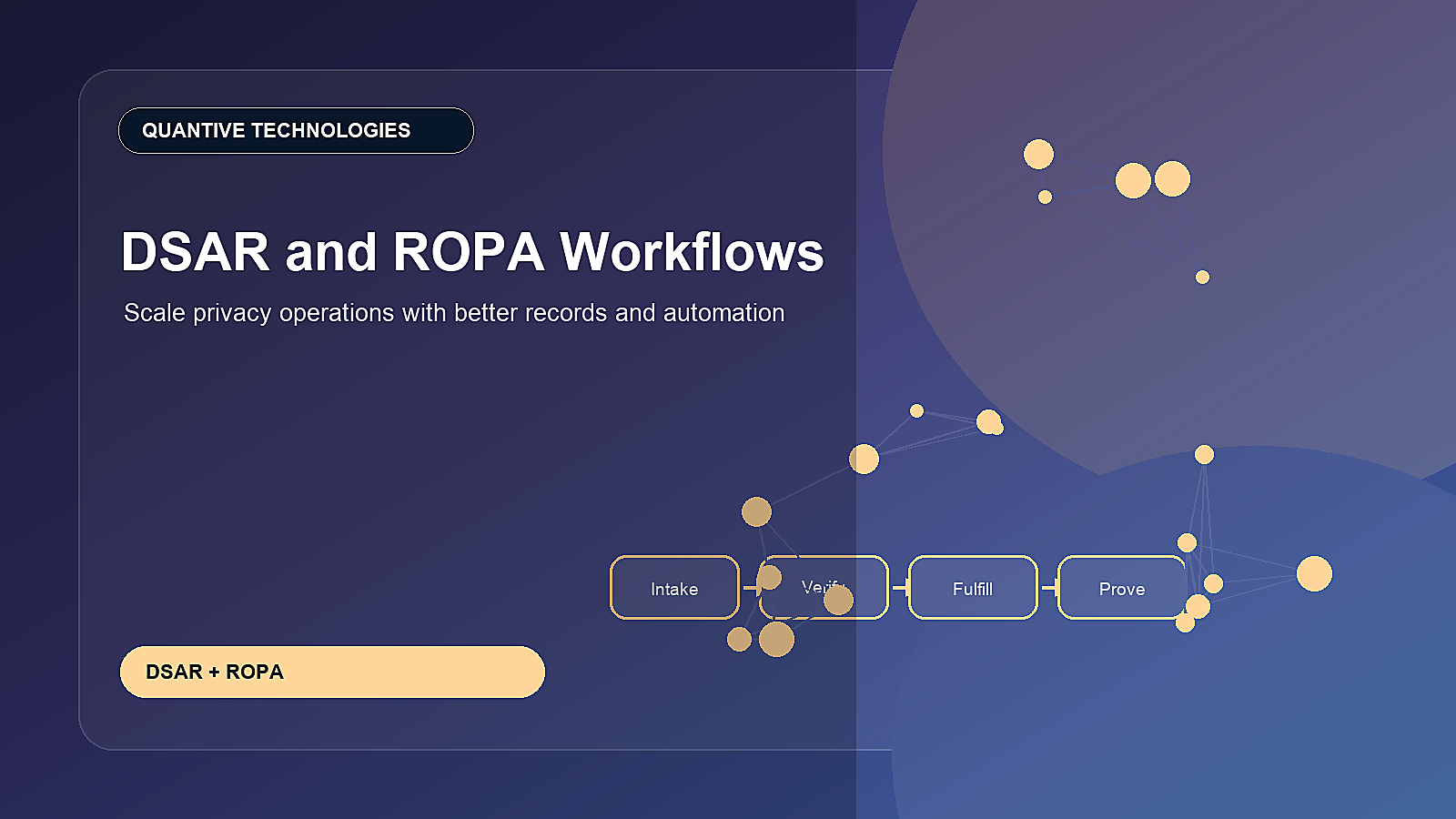
A scalable model separates intake, validation, fulfillment, legal review, response, and closure. Each step should have ownership and evidence. For ROPA, the model should define required fields, owner reviews, change triggers, and periodic certification.
The strongest programs connect ROPA and DSAR. When a DSAR arrives, the team should know which systems and processing activities may contain relevant data. When a processing record changes, the team should understand how it affects request fulfillment, retention, vendors, and risk.
- Create DSAR request types with clear intake language and region-specific routing.
- Define identity validation steps before sensitive fulfillment tasks begin.
- Assign system-owner tasks based on processing records and data maps.
- Use ROPA certification workflows to keep records accurate over time.
- Measure DSAR and ROPA performance through Performance Analytics dashboards and exception reporting.
Practical implementation roadmap
- Select the request types and regions that create the highest current workload.
- Define a standard DSAR workflow from intake to response and closure.
- Load or create ROPA records for the systems most relevant to DSAR fulfillment.
- Add templates for owner review, legal approval, response evidence, and deadline escalation.
- Expand coverage to more regions, systems, and request types after the first workflow stabilizes.
Common mistakes to avoid
- Building DSAR workflows without accurate system-owner information.
- Treating identity validation as a manual afterthought.
- Letting ROPA records become stale after initial privacy-project work.
- Not documenting why data was withheld, deleted, corrected, or retained.
- Failing to measure workload and bottlenecks by request type.
Metrics leaders should track
- DSAR volume by request type, region, channel, and business unit.
- Average time spent in intake, validation, fulfillment, review, and response.
- Requests approaching or breaching deadline.
- ROPA records missing owner, review date, system link, retention, or legal basis.
- System-owner task aging and response quality.
How this connects across ServiceNow
DSAR and ROPA workflows connect ServiceNow Privacy Management, ServiceNow Data Integration, Risk Management, ServiceNow Third-party Risk Management, and Performance Analytics. They also create a stronger foundation for AI governance because teams can identify where personal data is used and who is accountable for it.
90-day action plan
- Days 1-30: map the current DSAR path and identify the top systems used for fulfillment.
- Days 31-60: create standard intake, validation, system-owner, legal-review, and response tasks.
- Days 61-90: connect ROPA records to DSAR routing and launch dashboards for deadlines and bottlenecks.
Quantive Technologies perspective
Quantive Technologies helps privacy teams design DSAR and ROPA workflows in ServiceNow that reduce manual tracking, improve evidence quality, and give leaders clear operational visibility.
Need help turning this into a ServiceNow roadmap?
For more information or a focused implementation discussion, please reach out to info@quantivetech.com or book your discovery call.